
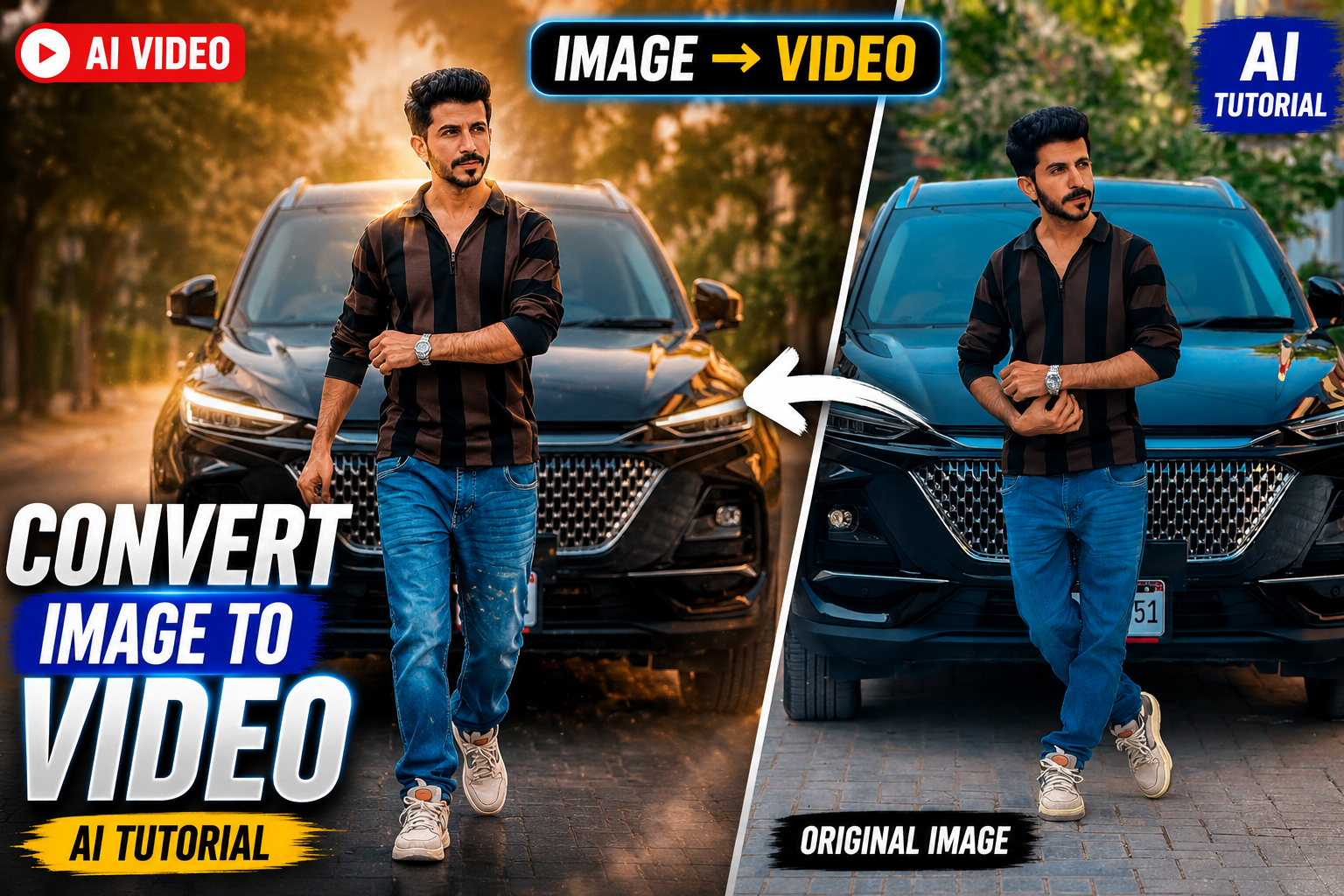
Artificial Intelligence (AI) has completely transformed video creation. Today, anyone can create cinematic videos from simple text prompts without professional editing skills. One of the most powerful tools in this space is Adobe Firefly Generate Video.
If you’re a content creator, marketer, YouTuber, or business owner, Adobe Firefly can help you create professional AI videos in minutes.
What is Adobe Firefly Generate Video?
Adobe Firefly Generate Video is an AI-powered video generation tool that allows users to create high-quality videos using text prompts or reference images. It also supports partner AI models alongside Adobe’s own video model, allowing creators to generate and edit videos from a single workspace.
Key Features
| Feature | Description |
|---|---|
| Text to Video | Generate videos from text prompts |
| Image to Video | Animate uploaded images |
| Multiple AI Models | Choose Adobe Firefly or supported partner models |
| Commercially Safe | Adobe Firefly-generated content is designed for commercial use |
| Camera Controls | Control camera angles and movement |
| Aspect Ratios | 16:9 and 9:16 supported |
| Video Editing | Trim, extend and refine generated clips |
How to Use Adobe Firefly Generate Video
Step 1
Open Adobe Firefly.
Step 2
Choose Generate Video.
Step 3
Select an AI model.
Step 4
Write a detailed prompt or upload an image.
Step 5
Choose your aspect ratio.
Step 6
Generate the video.
Step 7
Download or continue editing your project.
Best Prompt Formula
Use this structure for better AI video results:
Subject + Action + Environment + Camera Movement + Lighting + Style + Quality
Example
A futuristic cyberpunk city at night, neon lights reflecting on wet streets, cinematic drone shot, volumetric lighting, ultra realistic, 4K, dramatic atmosphere.
Advantages
| Pros | Benefits |
|---|---|
| Easy to Use | Beginner friendly |
| Fast Generation | Create videos within minutes |
| High Quality | Professional cinematic output |
| Commercial Use | Suitable for many business projects when using Adobe Firefly models |
| Integrated Workflow | Generate, edit and refine in one platform |
Limitations
| Limitation | Details |
|---|---|
| Credit System | Video generation consumes generative credits |
| Prompt Quality Matters | Better prompts produce better results |
| Advanced Features | Some features require paid plans |
| Rendering Time | Complex prompts may take longer |
Adobe Firefly vs Other AI Video Tools
| Tool | Text to Video | Image to Video | Commercial Safety |
|---|---|---|---|
| Adobe Firefly | Yes | Yes | Adobe Firefly model is designed for commercial use |
| Runway | Yes | Yes | Depends on usage terms |
| Kling AI | Yes | Yes | Depends on provider terms |
| Google Veo | Yes | Yes | Depends on provider terms |
Tips for Better AI Videos
- Write detailed prompts.
- Mention camera movement.
- Specify lighting conditions.
- Include cinematic styles.
- Use reference images for consistency.
- Regenerate multiple versions and compare results.
Who Should Use Adobe Firefly?
- YouTubers
- TikTok Creators
- Instagram Reel Creators
- Digital Marketers
- Video Editors
- Graphic Designers
- Small Business Owners
- Freelancers
Frequently Asked Questions (FAQs)
Is Adobe Firefly free?
Adobe offers a free tier with limited generative credits. Higher usage and advanced features require paid plans.
Can I create videos from images?
Yes. You can upload a reference image and animate it using Image to Video.
Can I use Firefly videos commercially?
Videos generated with Adobe's Firefly video model are intended to be commercially safe. Content generated through third-party models may have different licensing terms.
Does Adobe Firefly support vertical videos?
Yes. Both 16:9 and 9:16 aspect ratios are supported.
Final Thoughts
Adobe Firefly Generate Video is one of the most capable AI video creation platforms available today. Whether you want to create YouTube videos, Instagram Reels, TikTok content, product advertisements, or cinematic storytelling, Firefly provides an intuitive workflow with powerful AI features. By combining detailed prompts, reference images, and built-in editing tools, creators can produce high-quality videos much faster than traditional editing methods.